 KALENDOR
A PC Game You Play Without Downloading: Your First Steps in Kalendor
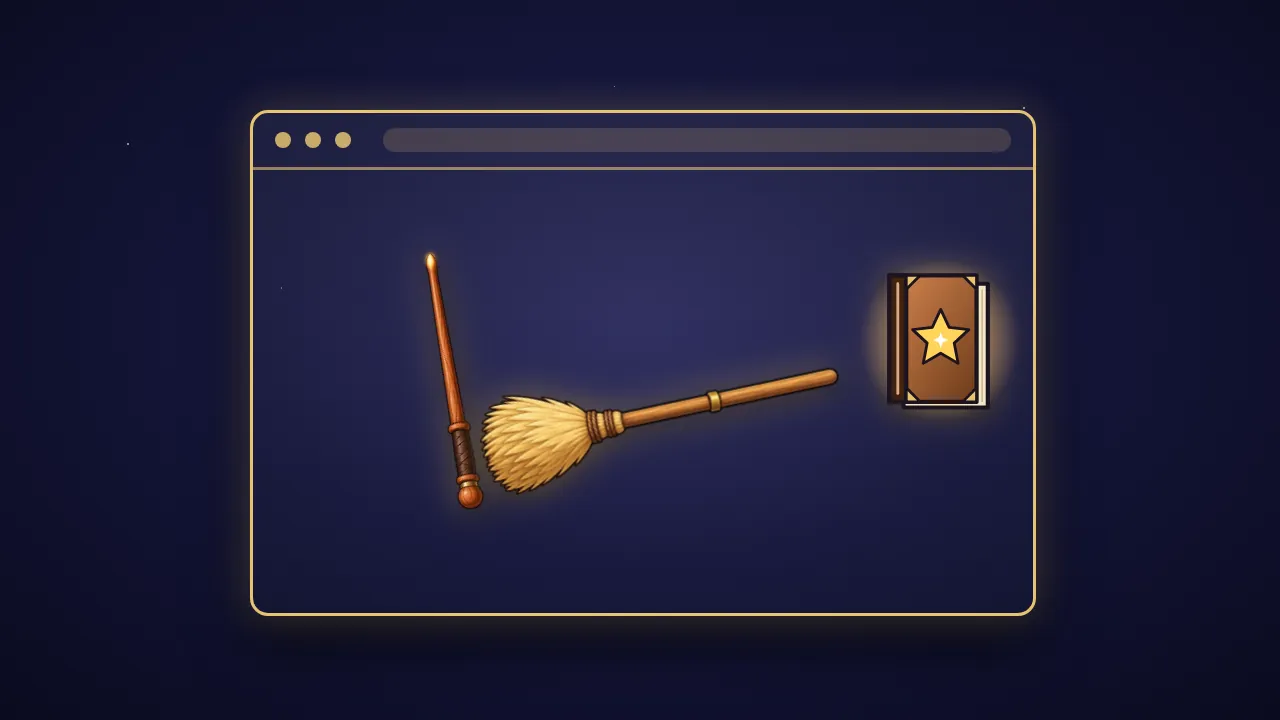
Downloading twenty gigabytes just to try a game, then waiting for an update, then finding out your computer can't stand it… none of that happens in Kalendor. You open a tab in your browser, and a few seconds later you are standing in the courtyard of the wizard school.
What do you need?
Three things:
- A computer: desktop or laptop, Windows or Mac, it doesn't matter. For now Kalendor can't be played on a phone.
- An up-to-date browser: Chrome, Edge or Firefox.
- An internet connection: everyone plays in the same world, so the game talks to the server all the time.
In your browser settings, make sure hardware acceleration is on. It is already on for most computers; if it is off, the processor draws the game instead of the graphics card, and everything gets sluggish.
Into the school in five minutes
1. Press ENTER THE SCHOOL on the home page.
2. Sign in with your Google account or your e-mail address. If you don't want to memorize another password, Google is the shortest way.
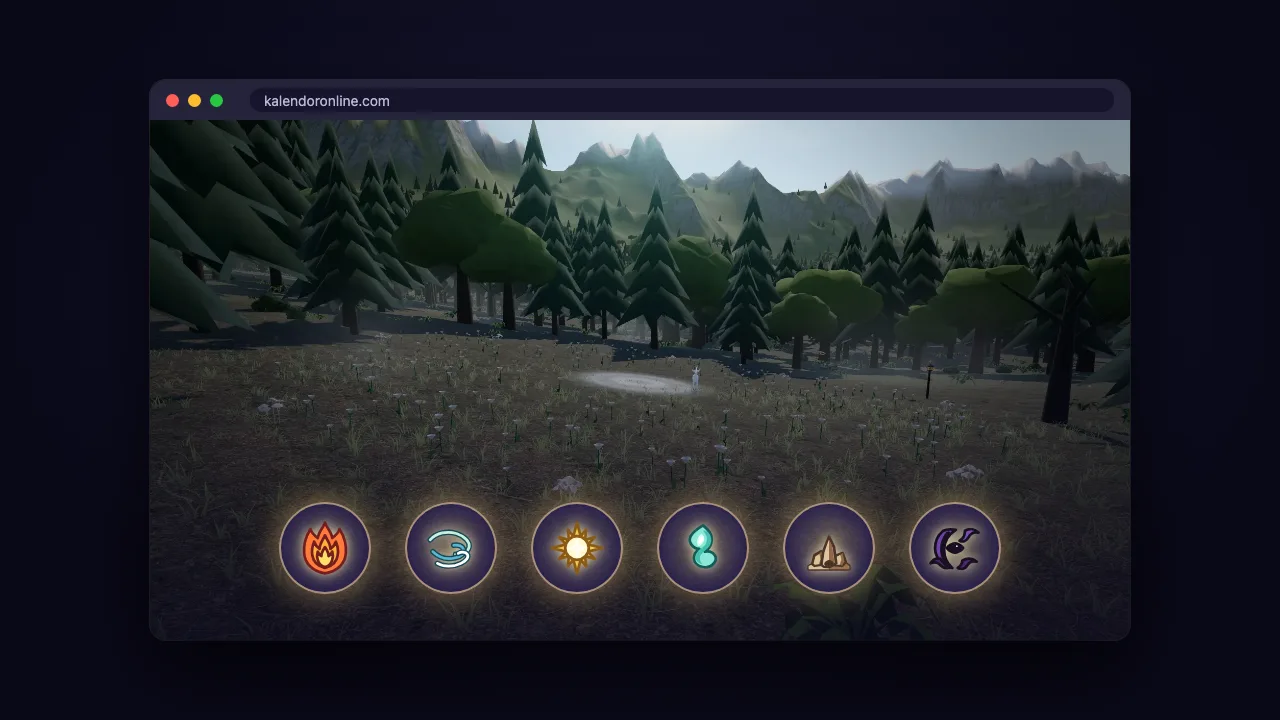
3. Pick one of the six paths. You can rotate each path's wizard on screen and see its House, its weapon and its first spell. Your House comes from the path you pick.
4. Choose your name and gender. Only letters and digits are allowed in the name.
5. You are in the courtyard. The person next to the fountain with a yellow exclamation mark over their head is Head Student Teodor Kalen; he gives you your first quest.
 Nurbaz
 Derman
 Zifir
 Alp
 Kam
 Yadacı
If you don't know which path suits you, read Wands, spells and the six paths before you choose. The path can't be changed later. For a short look at how spells work: the browser magic game.
The keys you need in the first minute
Keyboard to walk, mouse to cast:
You start the game with three spells:

Ictus
Left click
Shield
Right click
Light
GDon't underestimate the shield. If you raise it right before a spell reaches you, it bounces the spell back; in the first boss fights this trick helps a lot.
When you forget what to do, just press H. The guide tells you what your next task is.
There is no such thing as saving
The moment you close the browser, the game already knows where you left off. Your wizard, your bag, your quests and your money are stored on the server; there is no save file on your computer. Even if you sign in from another computer tomorrow, you continue from the same place.
You don't download updates either. When something new is added to the game, it is with you the next time you sign in. You can read what changed in What's New in the game menu.
A big game in a browser
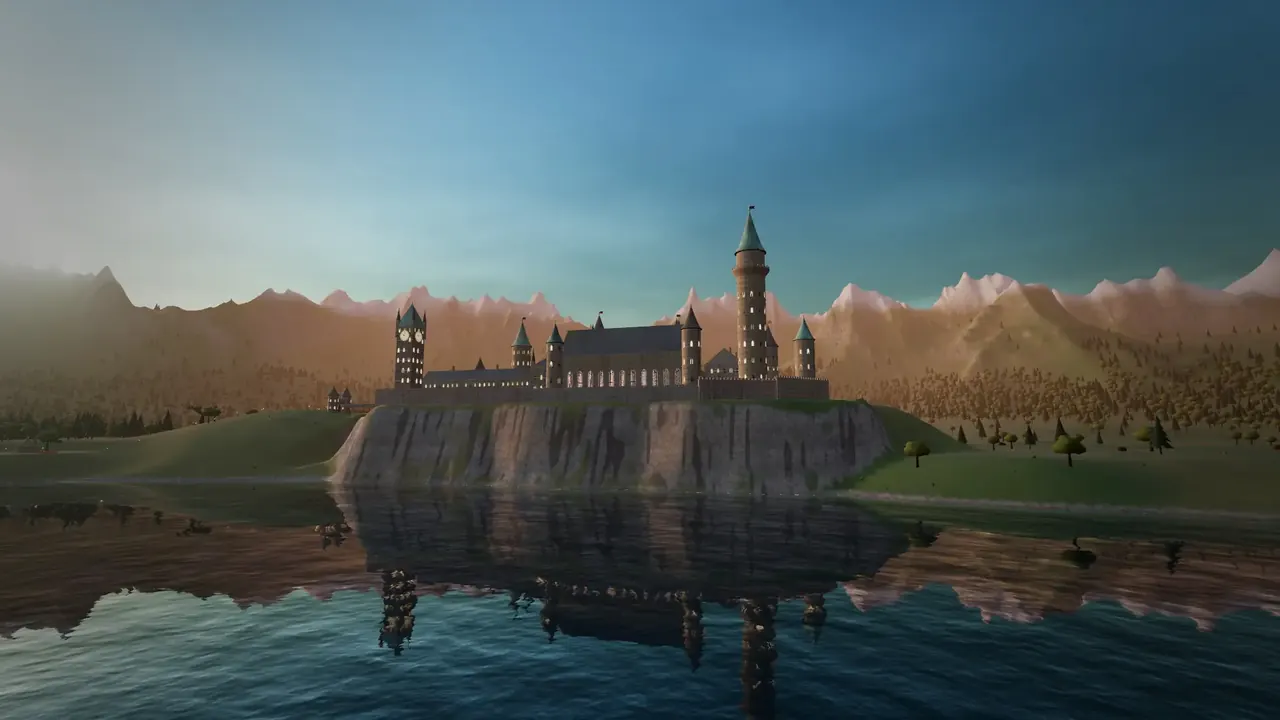
Say "browser game" and a few minutes of play may come to mind. Kalendor isn't like that: there is a huge castle on the lake shore, forests and slopes around it, and in the distance realms, dungeons and bosses. You are also handed a broom on your first day. Open your bag with I, right-click the broom, then mount it with F:
Everything about the broom is in the flying broom guide.
What if my computer is slow?
Set the graphics quality to LOW in Settings. At this setting the game is built to run smoothly even on older computers. If you are on a laptop, plugging it in also makes a difference; computers running on battery throttle the graphics card. For more: the FPS boost guide.
What's next?
After the first quest, a quest chain starts that takes you to the market, the Wandmaker and the Infirmary. Following it is enough; we wrote what you will meet along the way, in order, in the beginner's guide. If you want to bring a friend along: playing with friends.