 KALENDOR
Player Market guide: selling and buying items in Kalendor
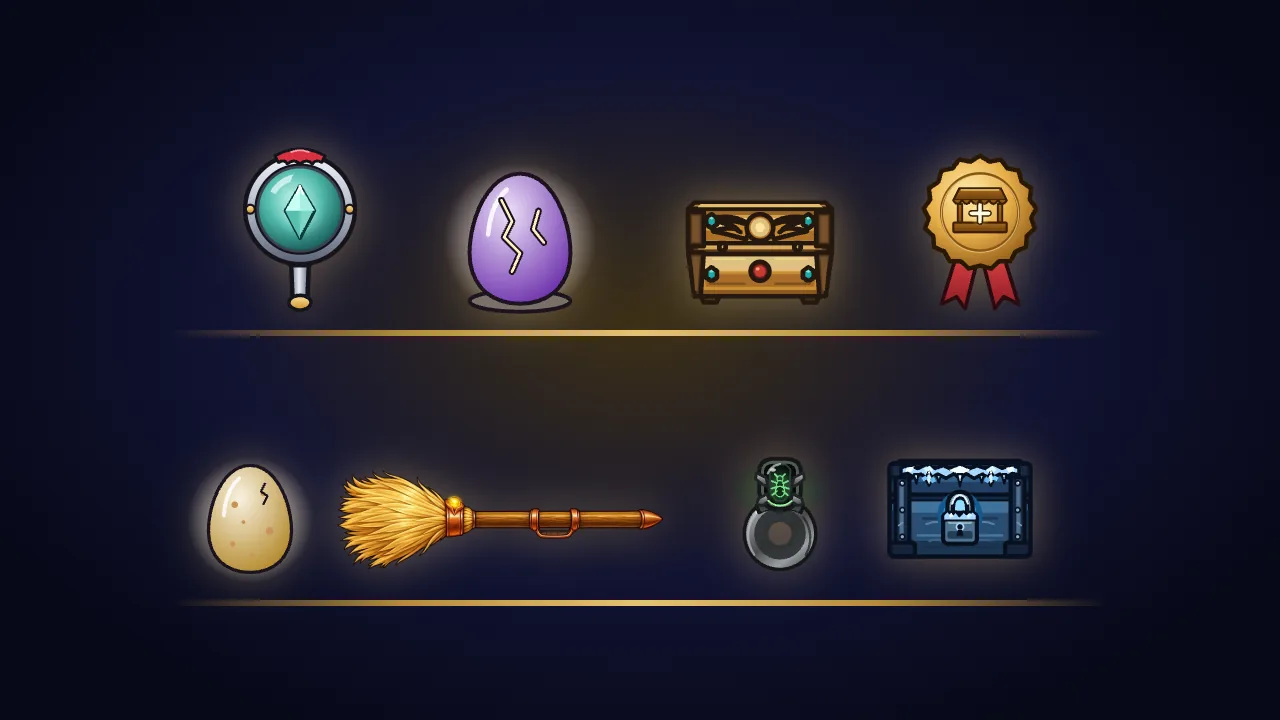
A wand that dropped from a dungeon is no use to you, but it might be exactly what another wizard is looking for. Kalendor's Player Market is there for this: you sell your items at the price you set, and your market stays open even when you're not in the game.
Where is the market?
In two places, but both open onto the same market:
- In Kalendor: in the Market Square behind the bazaar, Kaisen stands at the round counter. Wherever you are in the square, you can talk to him with E.
- In the Council of Magic: his brother Eriksen, in the Council Bazaar.
The two brothers keep the same ledger. A market you set up in Kalendor shows in the Council too, and you can collect the gold for something you sold in the Council while you're in Kalendor.
When you talk to Kaisen or Eriksen, three options come up: My Market, Browse Markets and Your Claims.
Setting up your own market
When you open My Market, the slots of your market appear; you have thirty. You drag items from your bag into them and set a gold price for each. If you put in a stack of items, the price is for the whole stack. You also give your market a name.
When you're ready, press SET UP MARKET. Your market stays open for 48 hours and keeps selling while you're away. While it's open, prices are locked; but you can add new items or take an item back. If you change your mind, CLOSE MARKET closes it early, and whatever didn't sell goes back to your bag.
Things to know:
- Items sell for gold only.
- There's no tax. The whole price you set is yours.
- Bound, timed or untradable items can't be sold.
- You can't buy from your own market, or from the markets of your other wizards on the same account.
When something sells
You're told when one of your items sells. The gold doesn't land in your pocket right away; it waits for you in Your Claims. When you stop by Kaisen or Eriksen and choose TAKE ALL, the gold and any items left over from your market when it ended pass to you. When the 48 hours are up, the unsold items wait there too; you can set up your market again if you like.
Shopping
Browse Markets lists the open markets. You walk into a market, look over the items and buy what you like. Because the seller sets the price, you sometimes find real bargains, and sometimes prices that make you blink. Don't rush; look at a few markets.
Selling well
- Before you set a price, check Browse Markets to see what others are asking for the same item.
- Give your market a clear name; it stands out in the list.
- If you're selling Companion Eggs, hurry: eggs have a lifespan of seven days. The details are in the companion guide.
- Items and materials from dungeons are good candidates for the market. What each dungeon gives is in the dungeon guide.